When Touchscreen Keyboards Aren’t Enough
At some point, using the touchscreen keyboard on your phone or tablet becomes less than ideal—especially when you need to type more than just a sentence or two. If you want to use these devices for real productivity instead of simple entertainment, a full-fledged physical keyboard quickly becomes essential.
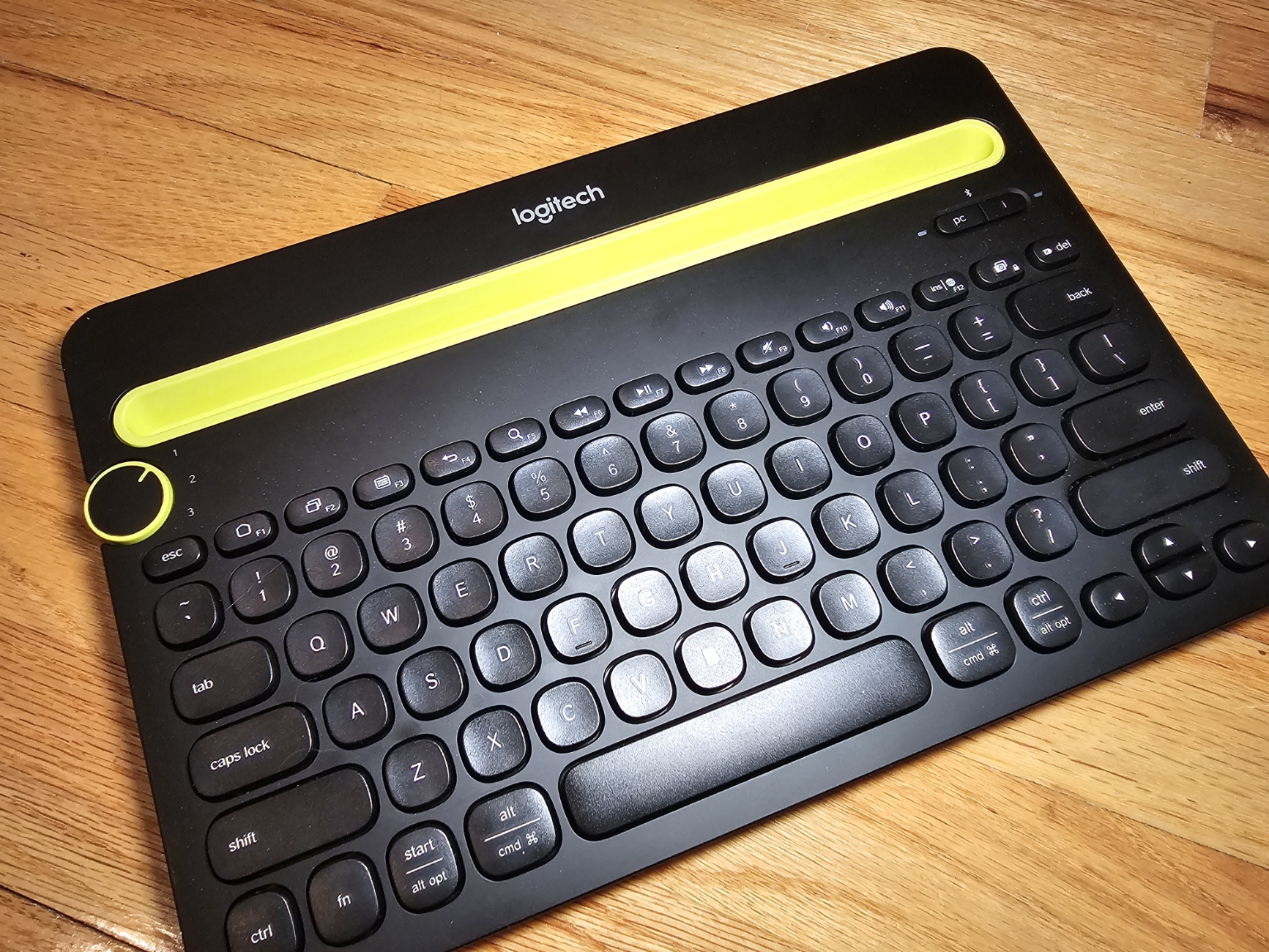
Why I Chose the Logitech K480
After a change in position at work, I found myself needing to enter contact information for nearly 20 employees, along with an even larger list of vendors and contractors. Doing this entirely on a touchscreen keyboard was tedious and time-consuming, so I ordered the Logitech K480 Bluetooth multi-device keyboard in hopes that it would make the process less painful.
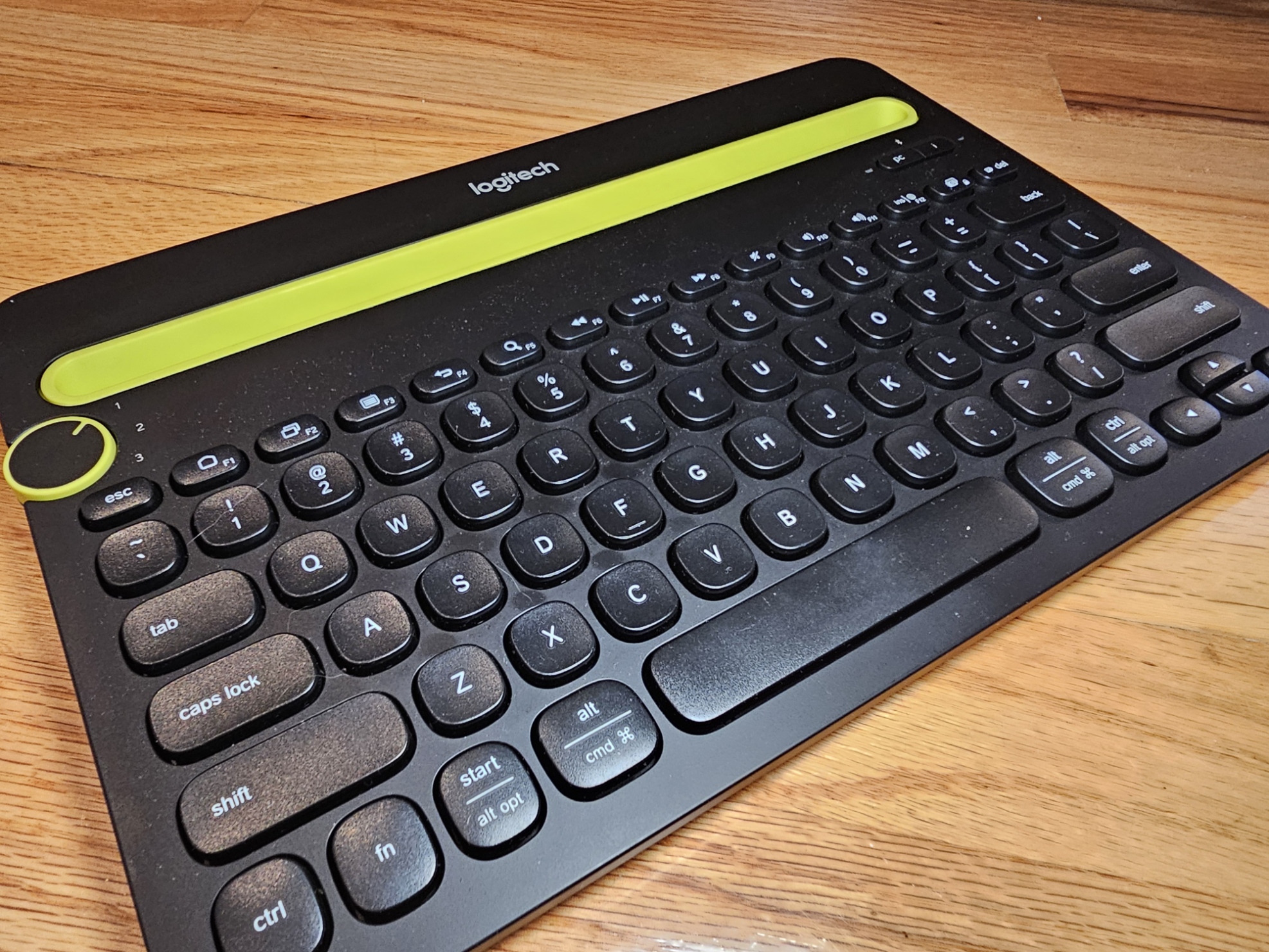
Fortunately, it did exactly that.
Design and Build Quality
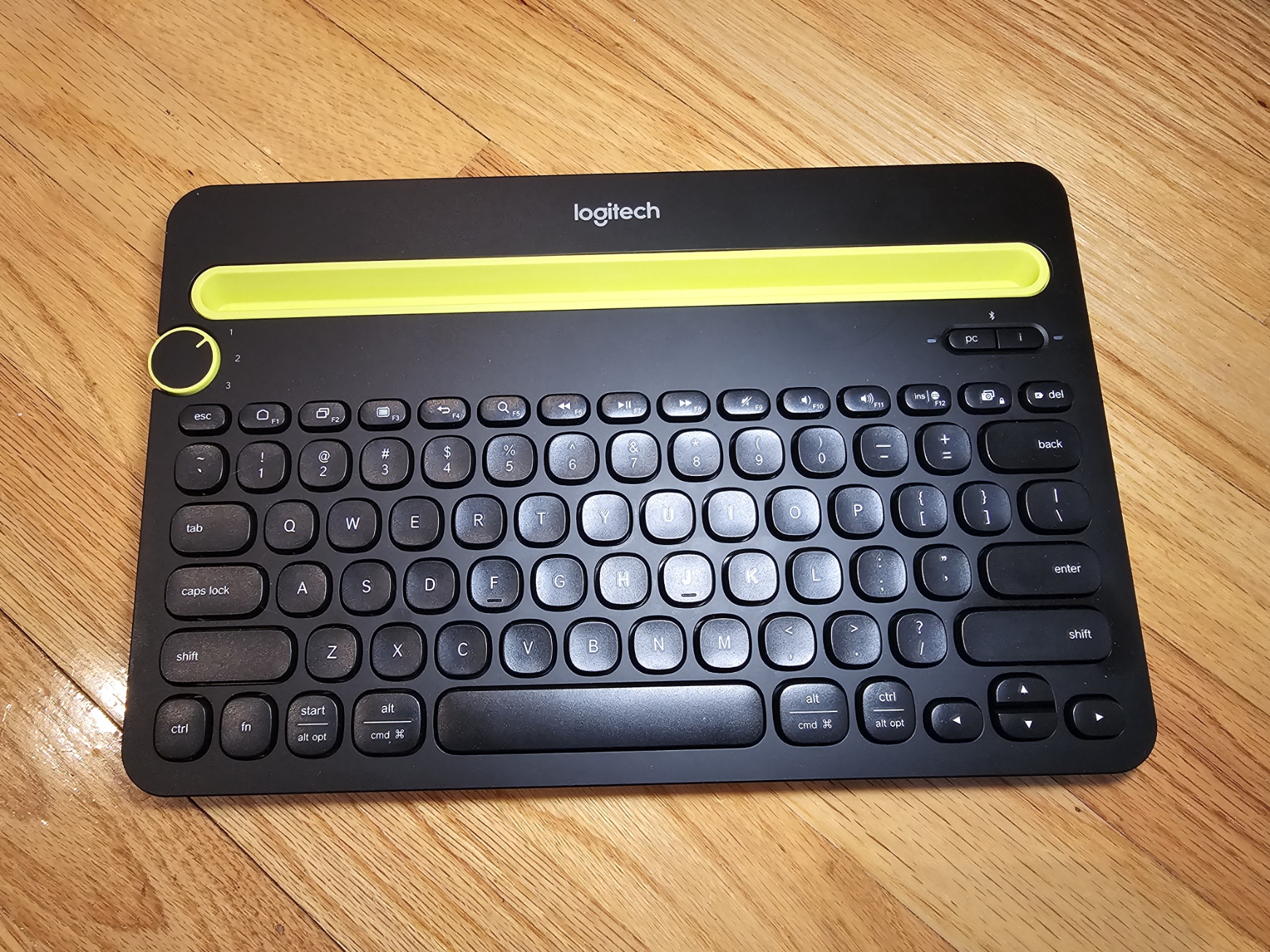
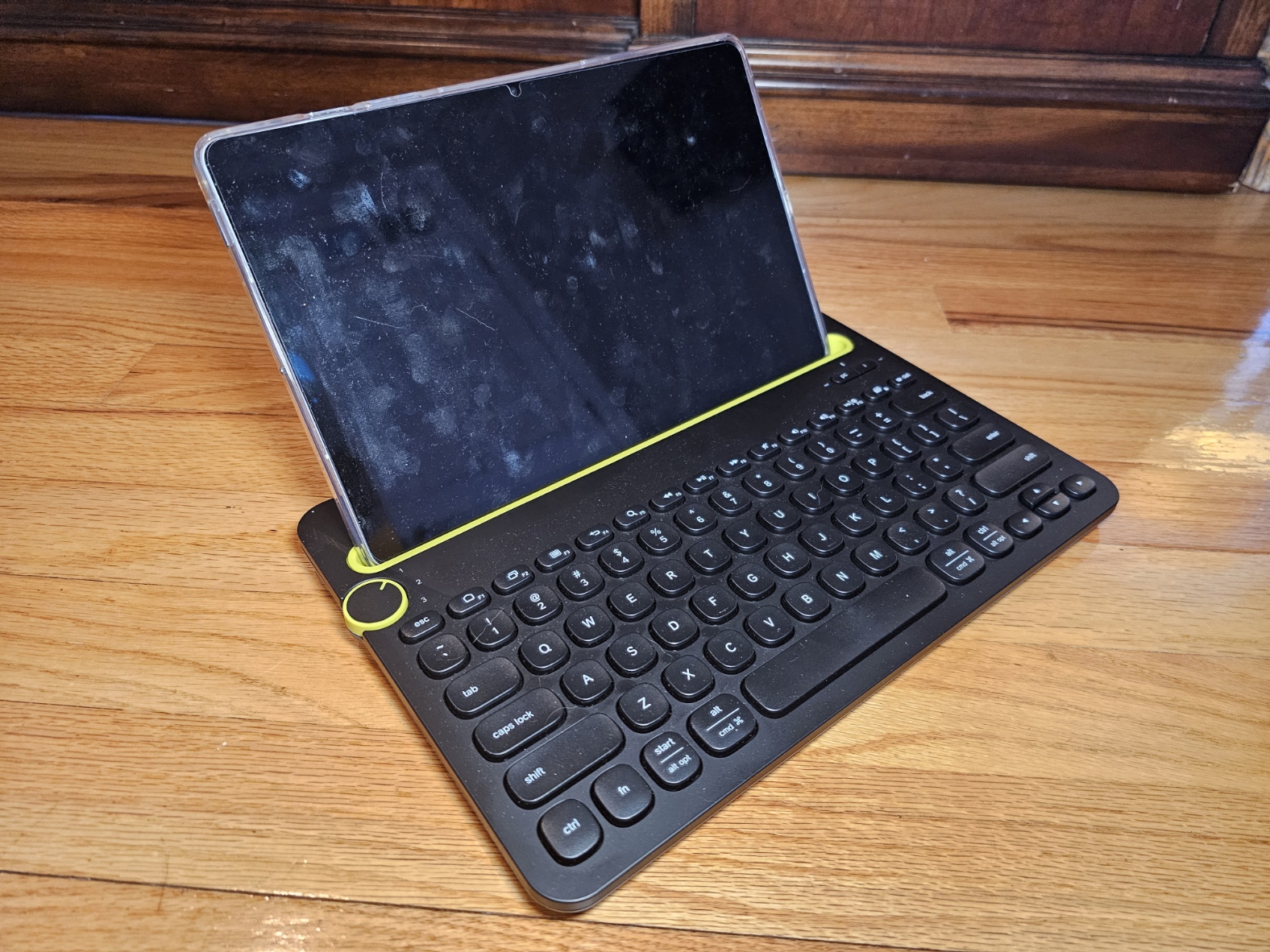
The Logitech K480 features a solid, well-weighted base and an integrated angled slot designed to hold a phone or tablet. This clever design creates a setup that feels surprisingly similar to using a small laptop.
The keyboard itself is compact, but noticeably heavier than expected. That extra weight works in its favor—whether placed on a desk or used on your lap, the K480 feels stable and secure. Even with a larger tablet resting in the slot, it never felt like it was going to tip over.
The keys took a short time to get used to, but once adjusted, the layout proved comfortable and practical for extended typing sessions.
Multi-Device Pairing and Performance
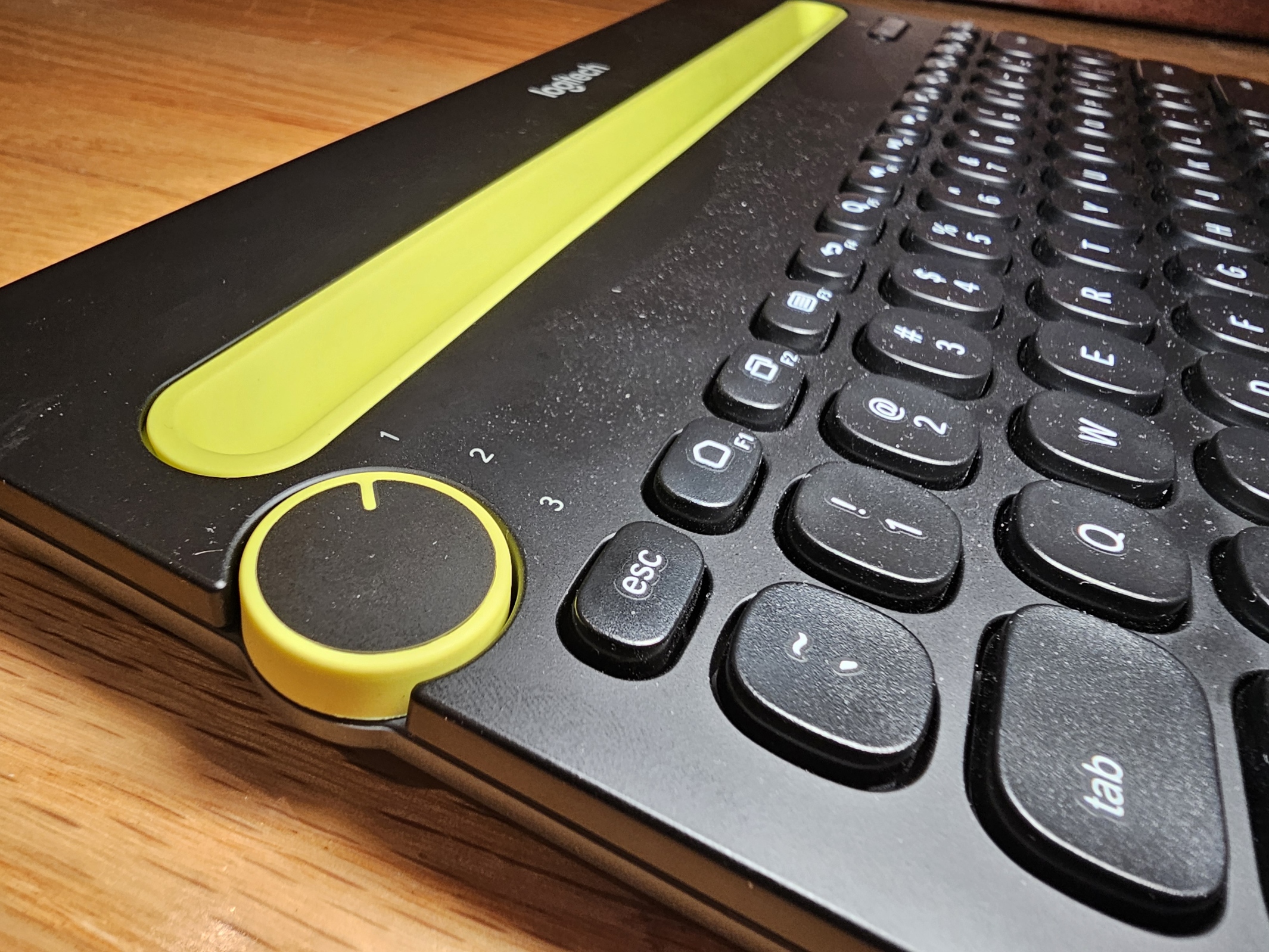
One of the standout features of the Logitech K480 is its ability to pair with up to three Bluetooth devices simultaneously. A physical selector dial allows you to switch instantly between them.
In my setup:
- One channel is paired with my phone
- Another with my tablet
- The third with a PC
Pairing each device was straightforward and painless, with no connection issues during use. Switching between devices is quick and reliable, making this keyboard especially useful for people who regularly move between platforms.
Power and Portability
The K480 is powered by three AA batteries and includes a physical on/off switch on the back to help conserve power when not in use. While I haven’t used it long enough to drain a full set of batteries, I always shut it off when it’s not in use.
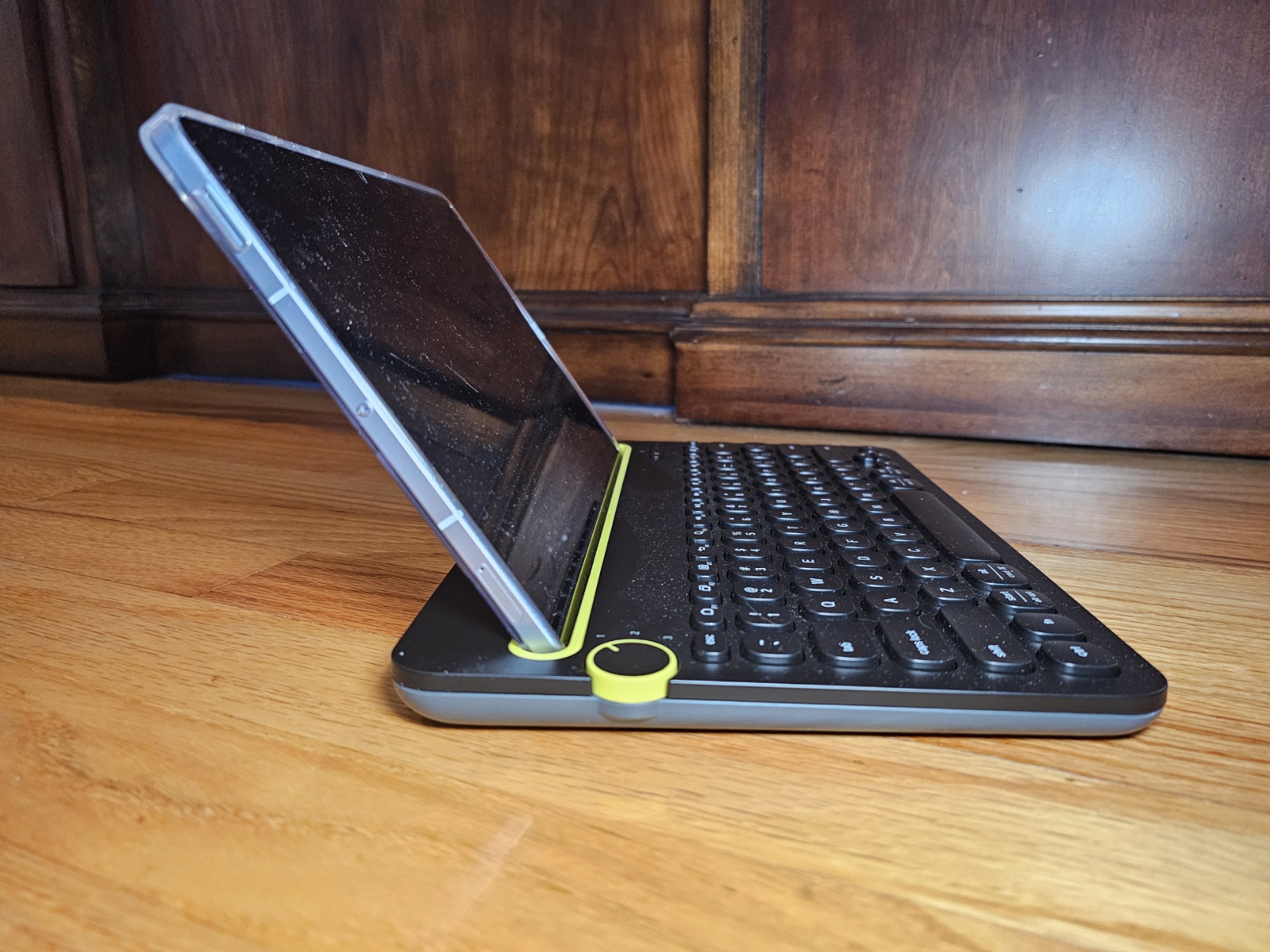
Due to its thickness and weight, this keyboard may not be ideal for frequent travel. It’s more of a desk-to-desk or home-office keyboard than something you’d toss into a bag every day. That said, its functionality easily outweighs this limitation.
Logitech K480 Specifications
- Connectivity: Bluetooth
- Multi-Device Support: Up to 3 devices
- Device Selector: Physical rotary dial
- Power: 3 × AA batteries
- Battery Life: Up to 2 years (manufacturer claim, usage dependent)
- Compatibility:
- Windows
- macOS
- ChromeOS
- Android
- iOS
- Integrated Device Slot: Yes (phones and tablets)
- Weight: ~820 g (1.8 lbs)
- Color Options: Black / White
Final Verdict
Overall, the Logitech K480 Bluetooth multi-device keyboard is exactly what I was looking for. It turned a frustrating, time-consuming task into something far more manageable and has performed spectacularly in everyday use.
-
Design
-
Performance
-
Price
-
Value
Summary
Pros
- Supports three devices simultaneously
- Easy device switching with physical selector
- Built-in phone and tablet stand
- Solid, stable construction
- Comfortable typing experience after adjustment
- Wide OS compatibility
Cons
- Heavier and bulkier than typical portable keyboards
- Not ideal for frequent travel
- Key feel may take time to get used to